
Wendy’s Rewards Loyalty Program and How to Sign Up
Wendy’s is known for its fresh, never frozen beef, flavorful menu, and fan-favorite Frostys, but it’s also a great place to save money and earn perks through its Rewards Loyalty Program. Whether you’re grabbing a quick lunch or treating yourself to a combo meal, Wendy’s gives you the chance to collect points and trade them for free food.
In this Wendy Menus guide, we’ll explain exactly how the Wendy’s Rewards Program works in 2025. From how to sign up and earn points to how to redeem them for your favorite items, this step-by-step guide makes it easy to start earning rewards every time you order.
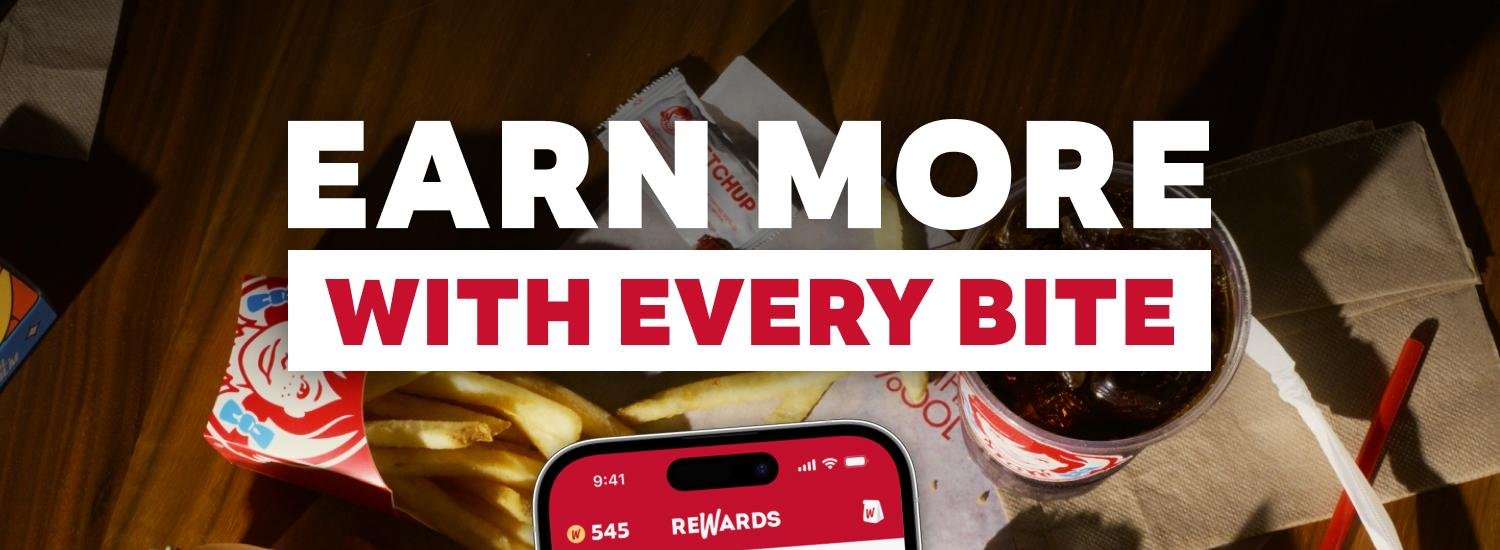
Wendy’s Rewards Program
Wendy’s Rewards Program is a free loyalty program that lets you earn 10 points for every $1 you spend on food and drinks. You can earn points when you order through the Wendy’s app, website, In-store or drive-thru when you scan your QR code.
To collect points, you must make a purchase at Wendy’s and be signed into your account. Whether you’re ordering a burger, breakfast combo, or salad, every dollar spent brings you closer to a free item.
How to Sign Up for Wendy’s Rewards Program

Joining the Wendy’s Rewards Program is quick, simple, and totally free. Here’s how to get started:
- Create a MyWendy’s Account
Visit order.wendys.com or download the Wendy’s app (available for iOS and Android). - Sign Up with Your Email
Use your email to create an account. You’ll receive updates, deals, and have access to all your rewards. - Already a Member?
If you already have a MyWendy’s account, you’re automatically enrolled – no extra steps required.
Once you’re signed in, you’re ready to start earning with every order.
How to Earn Points

Every time you spend money on qualifying items, you earn 10 points per $1. Here’s how to make sure you’re earning points:
Ways to Earn Points
- Place an order through the Wendy’s app or order.wendys.com for pickup or delivery
- Points are added automatically when using your account
- Ordering in person? Scan your QR code from the app at the counter, pickup window, or kiosk
- If you pay with a Wendy’s gift card, You’ll still earn points, but only if you scan your QR code during checkout.
Important: Don’t forget to scan before paying!
What Doesn’t Earn Points
- Taxes, tips, and fees
- Orders placed through third-party apps (like Uber Eats, DoorDash, Grubhub)
- Gift card purchases
- Rewards and discounts (you won’t earn points on the discounted portion)
How to Redeem Points

Once you’ve collected enough points, it’s time to treat yourself! You can redeem points for free Wendy’s favorites through the Rewards Store. Here’s how
- Open the Wendy’s app or visit the website
- Navigate to the Rewards Store
- Browse available rewards and choose what you want
- Add the reward to your digital card before ordering
- Use it during your next online order, in-store, or at the drive-thru
Pro Tip: You can apply rewards to pickup and delivery orders, but you won’t earn points on the discounted portion of the order.
Wendy’s Rewards Program Tips
Make the most of your Wendy’s Rewards experience with these helpful tips:
- Points typically appear in your account within 2 hours of a qualifying purchase
- You can only redeem visible points (not pending ones)
- Points expire after 365 days from the day they’re earned
- When redeeming, Wendy’s will use your oldest points first
- If you forgot to scan your QR code, don’t worry:
Email: PointsRequest@wendys.com
Include:
- A photo of your receipt
- The email address linked to your MyWendy’s account
Wendy’s will manually add your missing points.
Wendy’s often runs bonus point challenges, limited-time offers, and exclusive rewards.
To take advantage:
- Check the app regularly
- Complete challenges
- Stay subscribed to WendyMail for alerts
Frequently Asked Questions
Conclusion
Wendy’s Rewards Program is a simple and fun way to get more value out of every order. With 10 points earned per dollar, easy sign-up through the app, and tasty rewards just a few taps away, it’s a great perk for regular customers. Whether you’re craving a Frosty, burger, or breakfast sandwich, every purchase gets you closer to something free.
Stay on top of bonus challenges, check the app for new offers, and don’t forget to scan your QR code when ordering in person.